Prerequisites
A Microsoft M365 user, work / school account, with M365 Copilot, premium or not.
Setting up a customised Authentication, without using the Microsoft Authenticator:
Login work / school Microsoft account and land on Security info https://mysignins.microsoft.com/security-info
Add a sign-in method
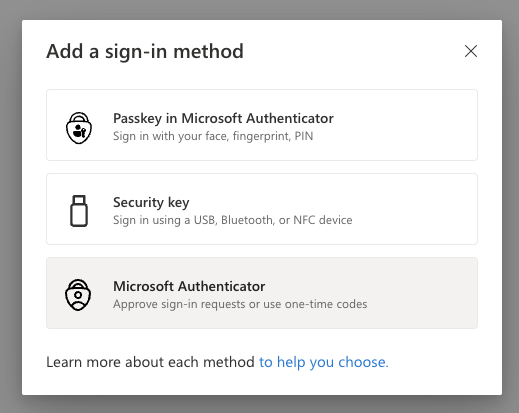
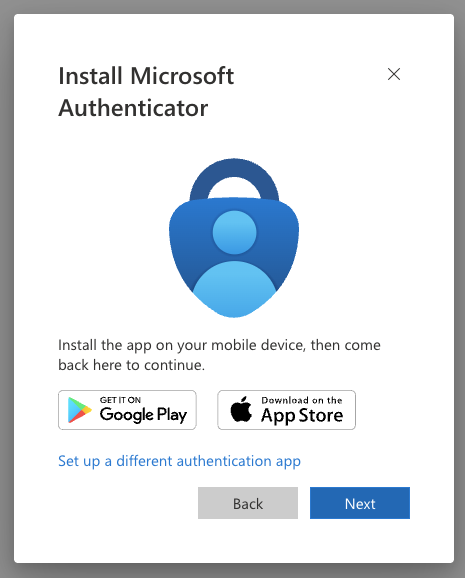
- Install Microsoft Authenticator
Choose ‘Set up a different authentication app’.
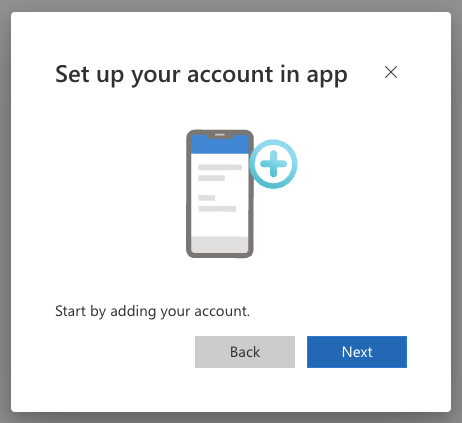
- Set up your account in app
Click next.
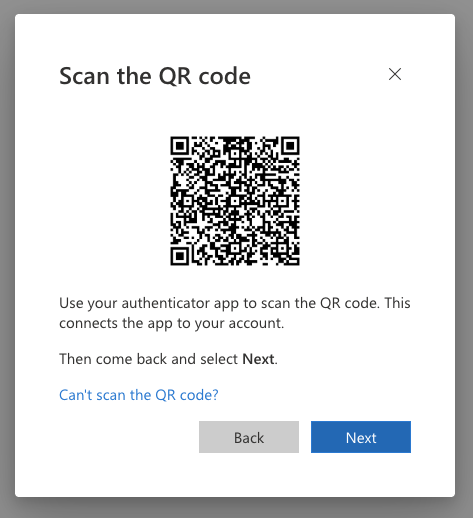
- Scan the QR code
Select ‘Can’t scan the QR code?’.
- Enter the following into Authenticator
Copy the Secret key, which is a base32 encoded.
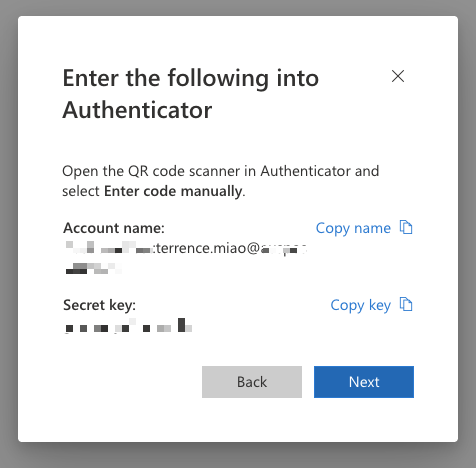
Generate a 6-digit code from the secret key to finish enrollment, with oathtool.
1 | $ oathtool --totp -b "THE_BASE32_SECRET" |
Then paste the seed / secret key into the password manager, and enter that generated 6-digit code.
Concepts
oathtoolis a command-line utility used to generate and validate Open Authentication (OATH) one-time passwords.- TOTP (Time-based One Time Password): Generates time variant codes (default 30-second steps, supports SHA1, SHA256, and SHA512).
- HOTP (HMAC-based One Time Password): Generates event-based counters by default.
References
- m365-copilot-proxy https://github.com/cramt/m365-copilot-proxy