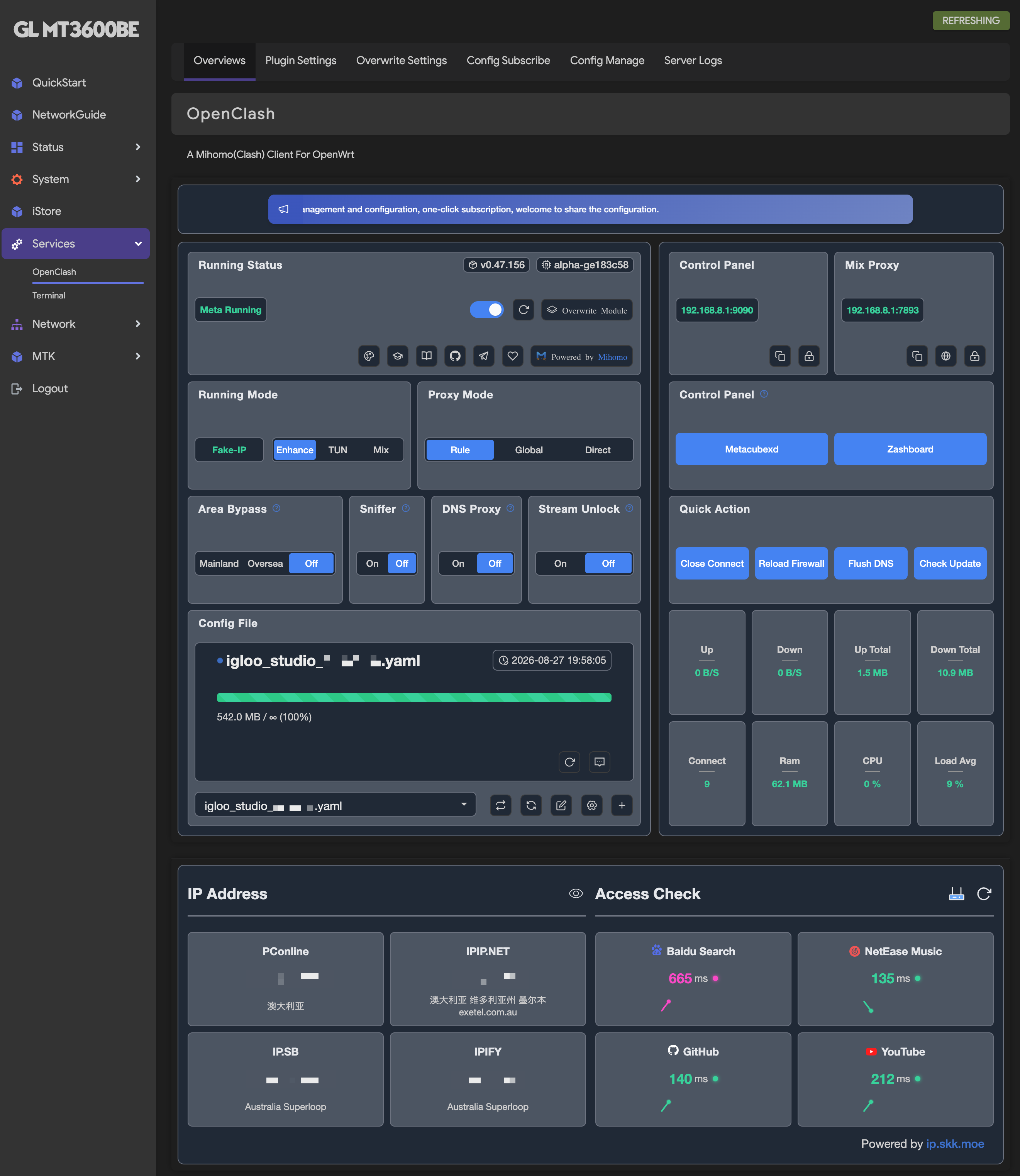
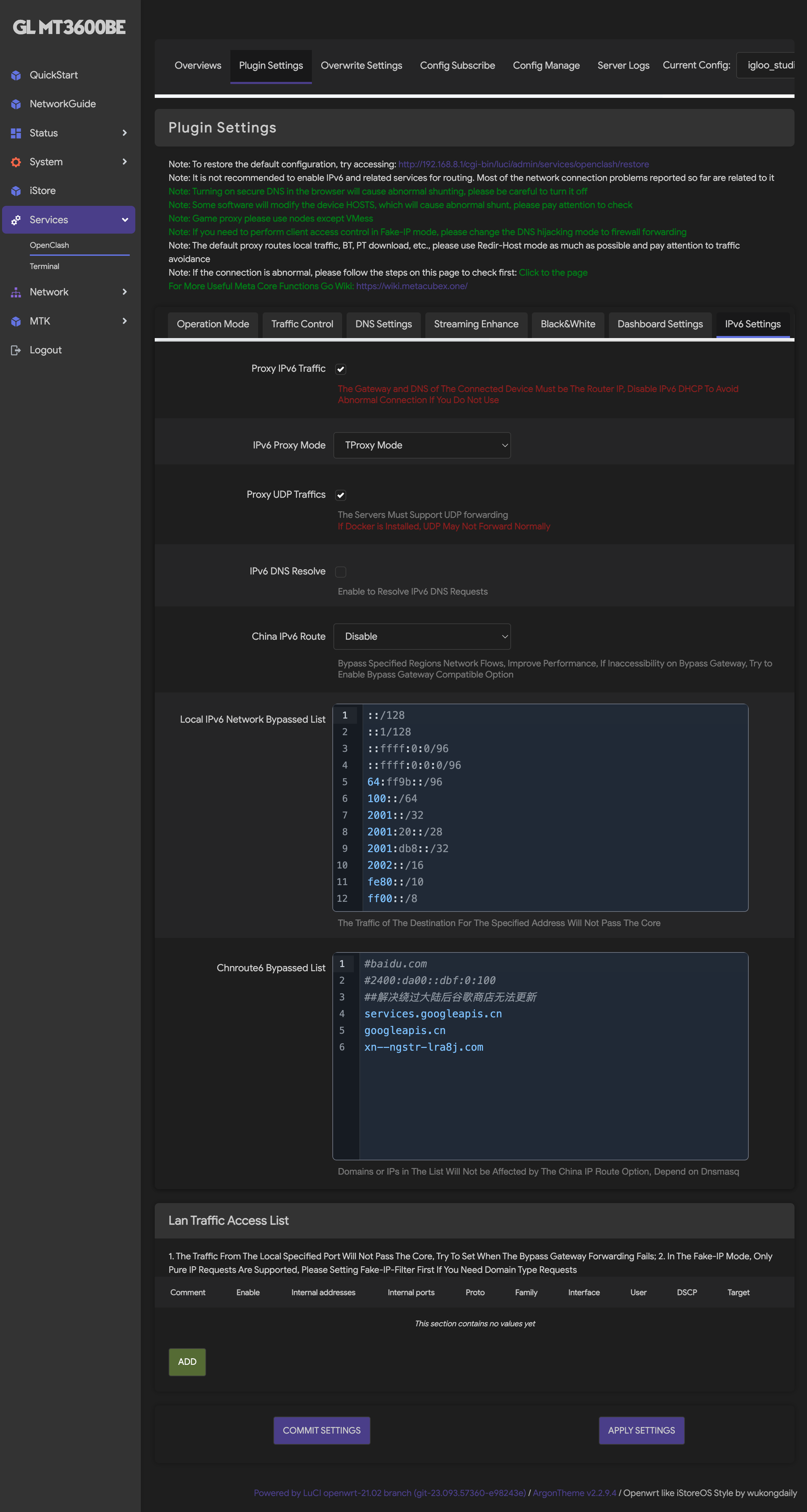
Please enter your selection [0-28]: 20 1. Get SSL (Domain) 2. Revoke & Remove 3. Force Renew 4. Show Existing Domains 5. Set Cert paths for the panel 6. Get SSL for IP Address (6-day cert, auto-renews) 0. Back to Main Menu Choose an option: 1 acme.sh could not be found. we will install it [INF] Installing acme.sh... % Total % Received % Xferd Average Speed Time Time Time Current Dload Upload Total Spent Left Speed 100 270k 100 270k 0 0 1271k 0 --:--:-- --:--:-- --:--:-- 1277k [Thu Aug 27 09:10:20 AM AEST 2026] Installing from online archive. [Thu Aug 27 09:10:20 AM AEST 2026] Downloading https://github.com/acmesh-official/acme.sh/archive/master.tar.gz [Thu Aug 27 09:10:20 AM AEST 2026] Extracting master.tar.gz [Thu Aug 27 09:10:21 AM AEST 2026] Installing to /root/.acme.sh [Thu Aug 27 09:10:21 AM AEST 2026] Installed to /root/.acme.sh/acme.sh [Thu Aug 27 09:10:21 AM AEST 2026] Installing alias to '/root/.bashrc' [Thu Aug 27 09:10:21 AM AEST 2026] Close and reopen your terminal to start using acme.sh [Thu Aug 27 09:10:21 AM AEST 2026] Installing cron job [Thu Aug 27 09:10:21 AM AEST 2026] bash has been found. Changing the shebang to use bash as preferred. [Thu Aug 27 09:10:21 AM AEST 2026] OK [Thu Aug 27 09:10:21 AM AEST 2026] Install success! [INF] Installation of acme.sh succeeded. [INF] install socat succeed... Please enter your domain name: igloo-proxy.cloud-ip.cc [DEG] Your domain is: igloo-proxy.cloud-ip.cc, checking it... [INF] Your domain is ready for issuing certificates now... Please choose which port to use (default is 80): [INF] Will use port: 80 to issue certificates. Please make sure this port is open. [Thu Aug 27 09:11:29 AM AEST 2026] Changed default CA to: https://acme-v02.api.letsencrypt.org/directory [Thu Aug 27 09:11:30 AM AEST 2026] Using CA: https://acme-v02.api.letsencrypt.org/directory [Thu Aug 27 09:11:30 AM AEST 2026] Standalone mode. [Thu Aug 27 09:11:30 AM AEST 2026] Account key creation OK. [Thu Aug 27 09:11:30 AM AEST 2026] Registering account: https://acme-v02.api.letsencrypt.org/directory [Thu Aug 27 09:11:31 AM AEST 2026] Registered [Thu Aug 27 09:11:31 AM AEST 2026] ACCOUNT_THUMBPRINT='b5K6u4GCPMvP6jtVrI78pAl9YUrShU2Z8porK76hyr8' [Thu Aug 27 09:11:31 AM AEST 2026] Creating domain key [Thu Aug 27 09:11:31 AM AEST 2026] The domain key is here: /root/.acme.sh/igloo-proxy.cloud-ip.cc_ecc/igloo-proxy.cloud-ip.cc.key [Thu Aug 27 09:11:31 AM AEST 2026] Single domain='igloo-proxy.cloud-ip.cc' [Thu Aug 27 09:11:33 AM AEST 2026] Getting webroot for domain='igloo-proxy.cloud-ip.cc' [Thu Aug 27 09:11:33 AM AEST 2026] Verifying: igloo-proxy.cloud-ip.cc [Thu Aug 27 09:11:33 AM AEST 2026] Standalone mode server [Thu Aug 27 09:11:34 AM AEST 2026] Pending. The CA is processing your order, please wait. (1/30) [Thu Aug 27 09:11:38 AM AEST 2026] Pending. The CA is processing your order, please wait. (2/30) [Thu Aug 27 09:11:41 AM AEST 2026] Success [Thu Aug 27 09:11:41 AM AEST 2026] Verification finished, beginning signing. [Thu Aug 27 09:11:41 AM AEST 2026] Let's finalize the order. [Thu Aug 27 09:11:41 AM AEST 2026] Le_OrderFinalize='https://acme-v02.api.letsencrypt.org/acme/finalize/3489265815/549901388765' [Thu Aug 27 09:11:44 AM AEST 2026] Downloading cert. [Thu Aug 27 09:11:44 AM AEST 2026] Le_LinkCert='https://acme-v02.api.letsencrypt.org/acme/cert/06e0b6dbe51ac7d51573cf84994ca71741ad' [Thu Aug 27 09:11:44 AM AEST 2026] Cert success. -----BEGIN CERTIFICATE----- MIIDnzCCAyWgAwIBAgISBuC22+UZGNUVc8+EmUynF0GtMAoGCCqGSM49BAMDMDMx ... 2Ao/mUvkOPylsT42LE2vRnQCMBpDXfkcxsNWkiiWZxogKC6lahRpe7yz873EZLfE UUvAgAJ0INTMnqtKw15Eg8xyGw== -----END CERTIFICATE----- [Thu Aug 27 09:11:44 AM AEST 2026] Your cert is in: /root/.acme.sh/igloo-proxy.cloud-ip.cc_ecc/igloo-proxy.cloud-ip.cc.cer [Thu Aug 27 09:11:44 AM AEST 2026] Your cert key is in: /root/.acme.sh/igloo-proxy.cloud-ip.cc_ecc/igloo-proxy.cloud-ip.cc.key [Thu Aug 27 09:11:44 AM AEST 2026] The intermediate CA cert is in: /root/.acme.sh/igloo-proxy.cloud-ip.cc_ecc/ca.cer [Thu Aug 27 09:11:44 AM AEST 2026] And the full-chain cert is in: /root/.acme.sh/igloo-proxy.cloud-ip.cc_ecc/fullchain.cer [Thu Aug 27 09:11:45 AM AEST 2026] ARI suggestedWindow: 2026-10-25T00:57:16Z to 2026-10-26T20:08:06Z [Thu Aug 27 09:11:45 AM AEST 2026] Next renewal time picked from ARI window: 2026-10-26T07:45:41Z [INF] Your reloadcmd is: systemctl reload nginx ; x-ui restart [Thu Aug 27 09:14:30 AM AEST 2026] The domain 'igloo-proxy.cloud-ip.cc' seems to already have an ECC cert, let's use it. [Thu Aug 27 09:14:30 AM AEST 2026] Installing key to: /root/cert/igloo-proxy.cloud-ip.cc/privkey.pem [Thu Aug 27 09:14:30 AM AEST 2026] Installing full chain to: /root/cert/igloo-proxy.cloud-ip.cc/fullchain.pem [INF] Installing certificate succeeded, enabling auto renew... [Thu Aug 27 09:14:30 AM AEST 2026] Already up to date! [Thu Aug 27 09:14:30 AM AEST 2026] Upgrade successful! [INF] Auto renew succeeded, certificate details: cert/igloo-proxy.cloud-ip.cc: total 20K drwxr-xr-x 2 root root 4.0K Aug 27 09:14 . drwxr-xr-x 5 root root 4.0K Aug 27 09:11 .. -rw-r--r-- 1 root root 4.8K Aug 27 09:14 fullchain.pem -rw------- 1 root root 227 Aug 27 09:14 privkey.pem Would you like to set this certificate for the panel? (y/n): y set certificate public key success set certificate private key success set certificate for subscription public key success set certificate for subscription private key success [INF] Panel paths set for domain: igloo-proxy.cloud-ip.cc [INF] - Certificate File: /root/cert/igloo-proxy.cloud-ip.cc/fullchain.pem [INF] - Private Key File: /root/cert/igloo-proxy.cloud-ip.cc/privkey.pem
Get the Dynamic URL of domain igloo-proxy.cloud-ip.cc, then add cron job to update DNS Server with the Dynamic IP Address: