Unlock GL.iNet GL-MT3600BE Beryl 7 Global firmware

GL.iNet GL-MT3600BE Beryl 7 Dual-Band Wi-Fi 7 Travel Router, coming with Chinese/CN firmware.
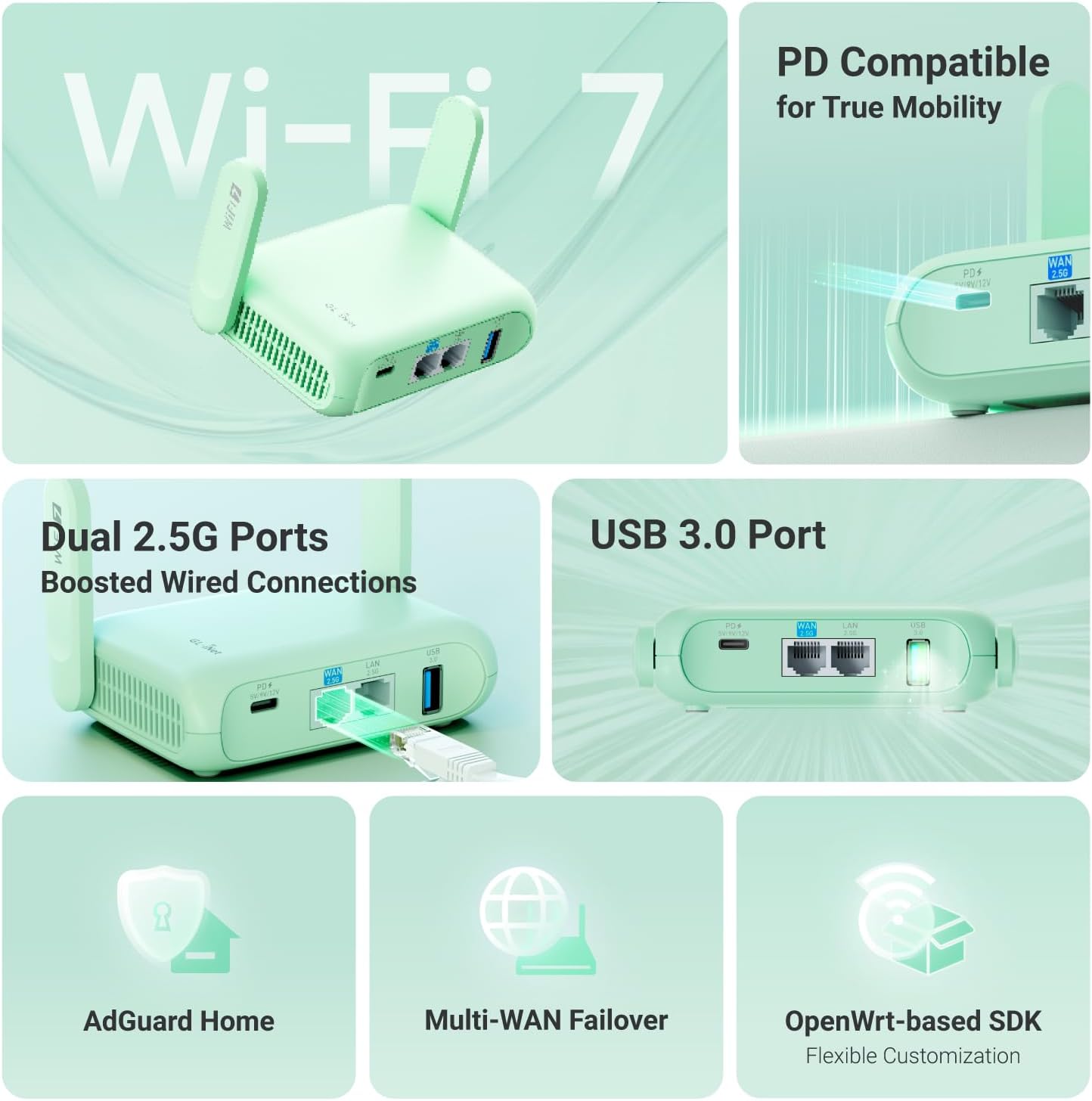
GL.iNet GL-MT3600BE Beryl 7 Dual-Band Wi-Fi 7 Travel Router

Start up router, and go to http://192.168.8.1/ and login.
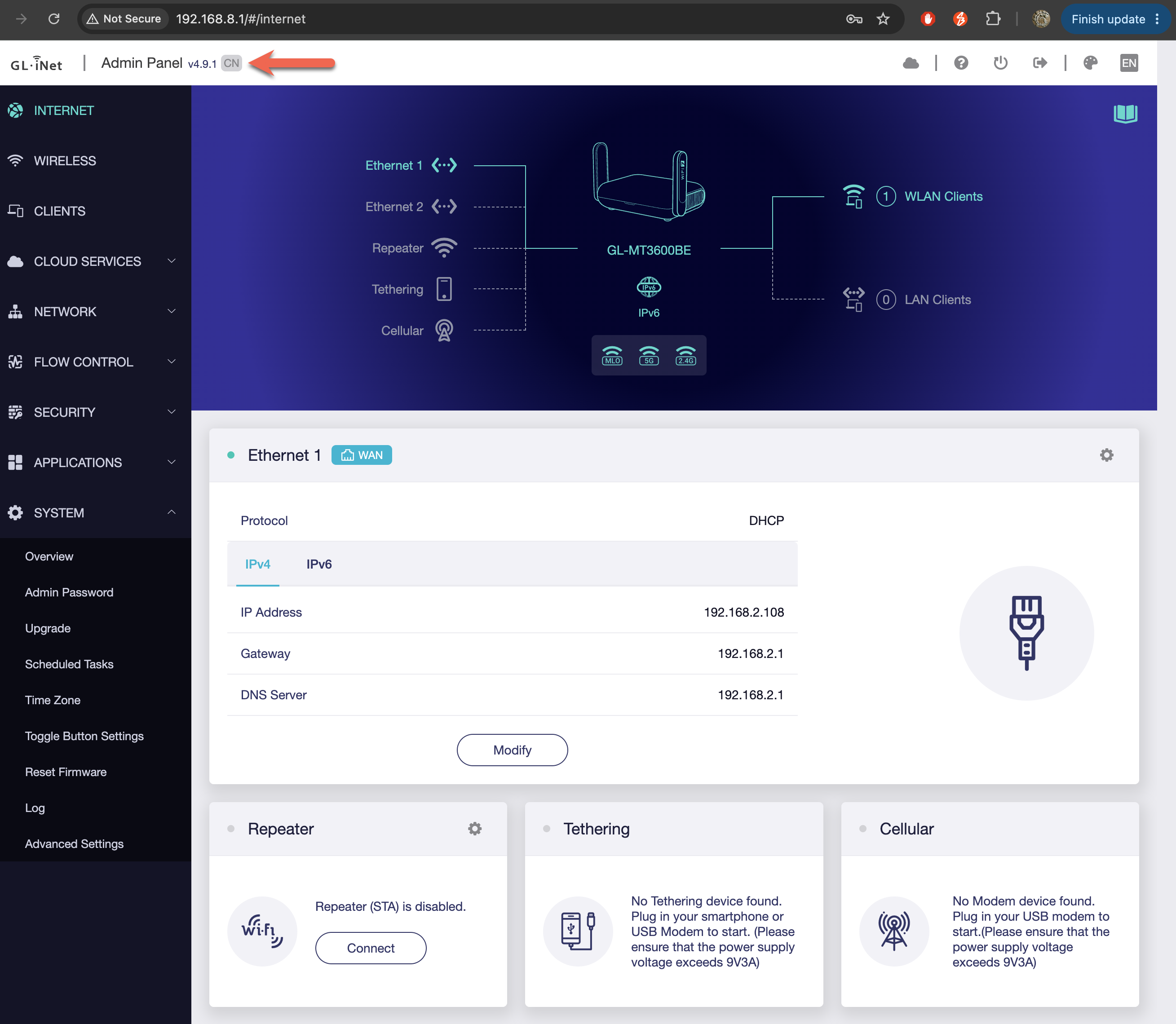
GL.iNet GL-MT3600BE Dashboard

  • SSH into router
1
2
3
4
5
6
7
8
9
10
11
12
13
14
15
16
$ ssh -l root 192.168.8.1
** WARNING: connection is not using a post-quantum key exchange algorithm.
** This session may be vulnerable to "store now, decrypt later" attacks.
** The server may need to be upgraded. See https://openssh.com/pq.html
root@192.168.8.1's password:

BusyBox v1.33.2 (2026-08-06 10:25:08 UTC) built-in shell (ash)

_______ ________ __
| |.-----.-----.-----.| | | |.----.| |_
| - || _ | -__| || | | || _|| _|
|_______|| __|_____|__|__||________||__| |____|
|__| W I R E L E S S F R E E D O M
-----------------------------------------------------
OpenWrt 21.02-SNAPSHOT,
-----------------------------------------------------
  • Identify the Factory Partition
1
2
3
4
5
6
7
8
9
10
root@GL-MT3600BE:~# cat /proc/mtd
dev: size erasesize name
mtd0: 20000000 00040000 "spi1.0"
mtd1: 00100000 00040000 "BL2"
mtd2: 00080000 00040000 "u-boot-env"
mtd3: 00400000 00040000 "Factory"
mtd4: 00200000 00040000 "FIP"
mtd5: 00040000 00040000 "log"
mtd6: 00040000 00040000 "CFG"
mtd7: 1d800000 00040000 "ubi"

The partition named “Factory” is mtd3, so the partition is mtdblock3.

  • Find the “CN” (Chinese) Offset
1
2
root@GL-MT3600BE:~# hexdump -v -e '"%_ad: " 16/1 "%02X " "\n"' /dev/mtdblock3 | grep "43 4E"
16512: 00 00 00 00 00 00 00 00 43 4E 00 00 00 00 00 00
  • Verify the “CN” Offset
1
2
root@GL-MT3600BE:~# dd if=/dev/mtdblock3 bs=1 skip=16520 count=2 2>/dev/null
CN
  • Overwrite region from “CN” to “US”
1
2
3
root@GL-MT3600BE:~# echo -n "US" | dd of=/dev/mtdblock3 bs=1 seek=16520 count=2 conv=notrunc
2+0 records in
2+0 records out
  • Sycn and Reboot
1
2
3
4
5
root@GL-MT3600BE:~# sync

root@GL-MT3600BE:~# reboot
root@GL-MT3600BE:~# Connection to 192.168.8.1 closed by remote host.
Connection to 192.168.8.1 closed.
  • Verify the “US” Offset
1
2
3
4
5
root@GL-MT3600BE:~# hexdump -v -e '"%_ad: " 16/1 "%02X " "\n"' /dev/mtdblock3 | grep ^16512:
16512: 00 00 00 00 00 00 00 00 55 53 00 00 00 00 00 00

root@GL-MT3600BE:~# dd if=/dev/mtdblock3 bs=1 skip=16520 count=2 2>/dev/null
US

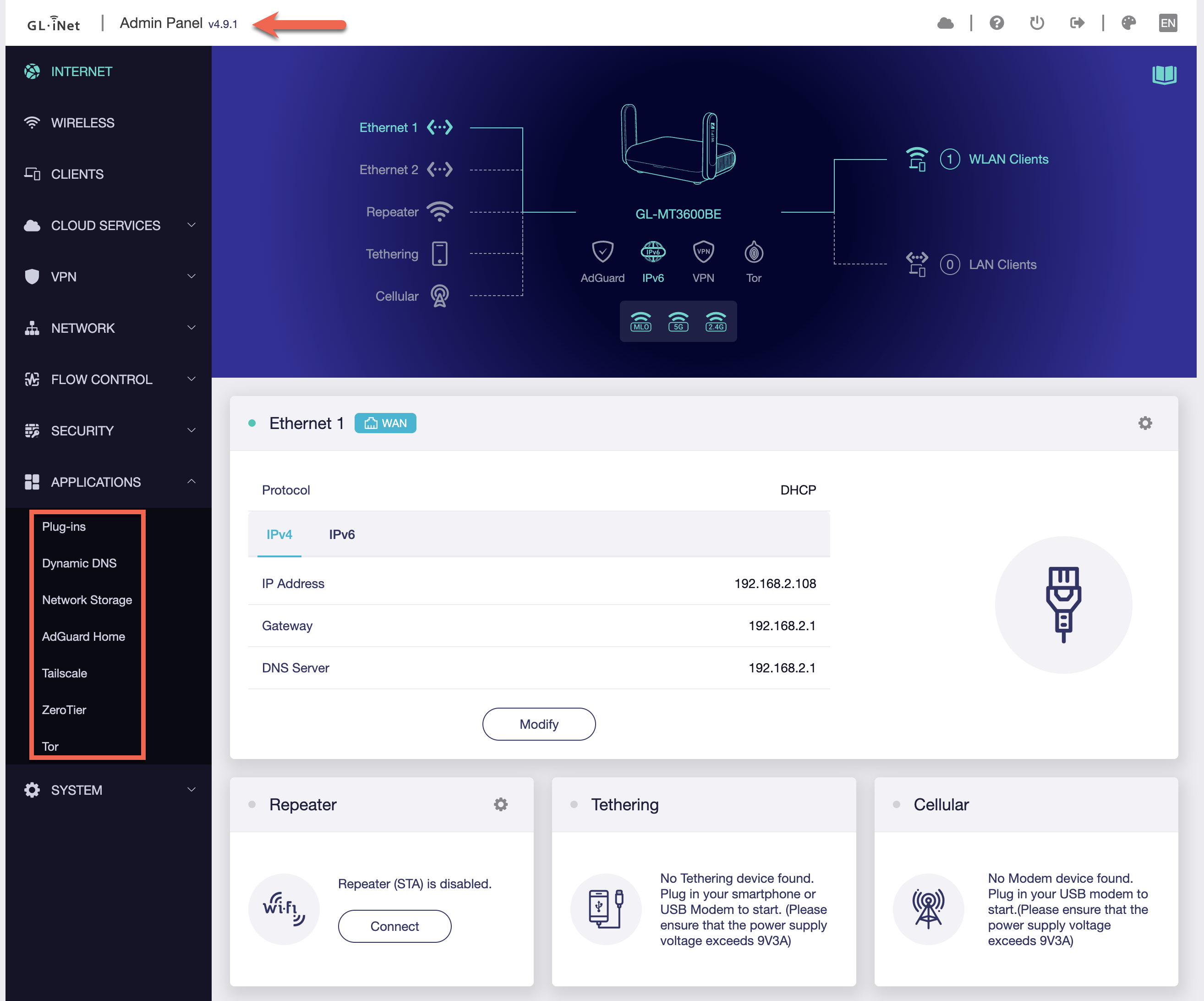
GL.iNet GL-MT3600BE Applications

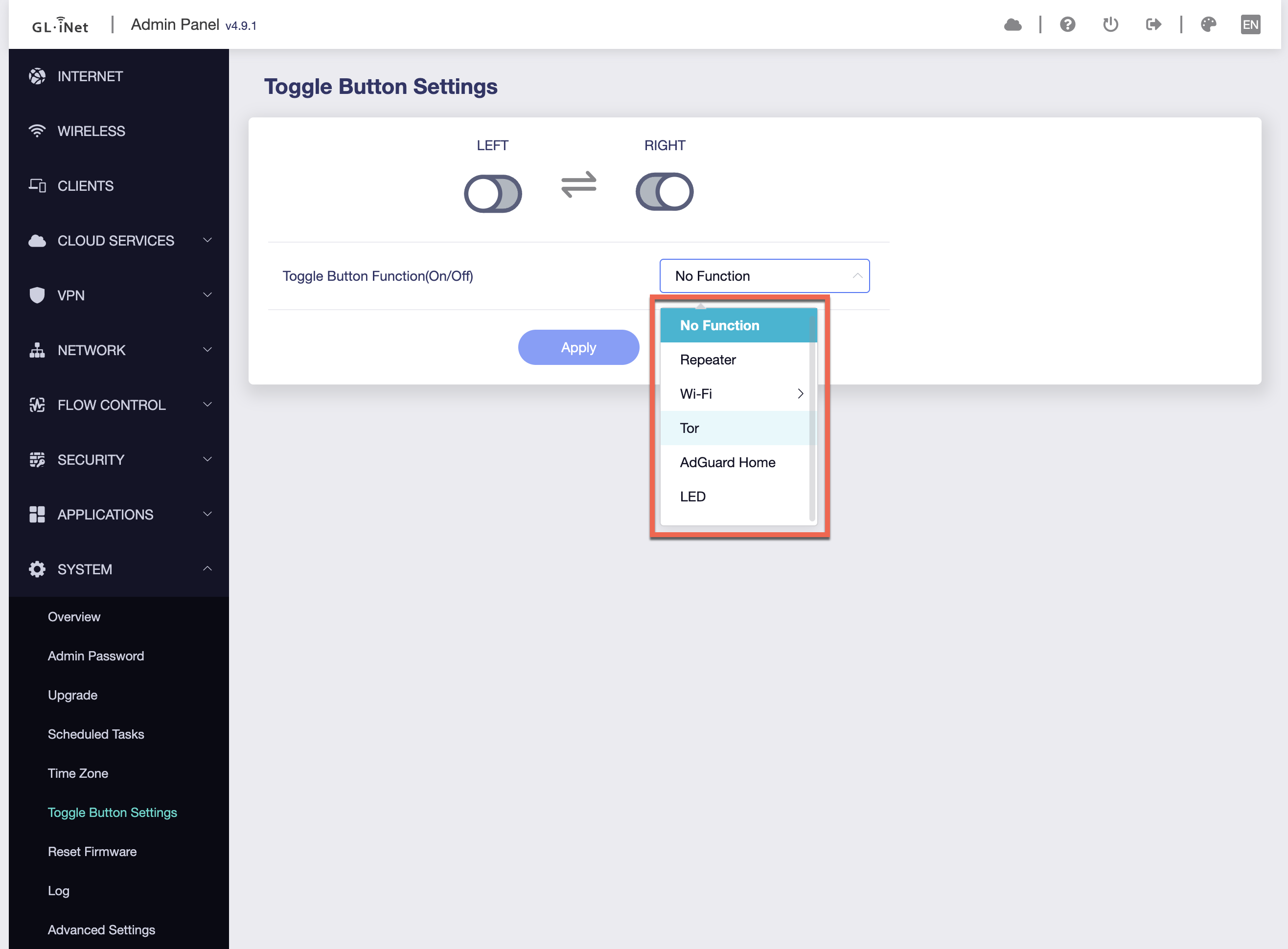
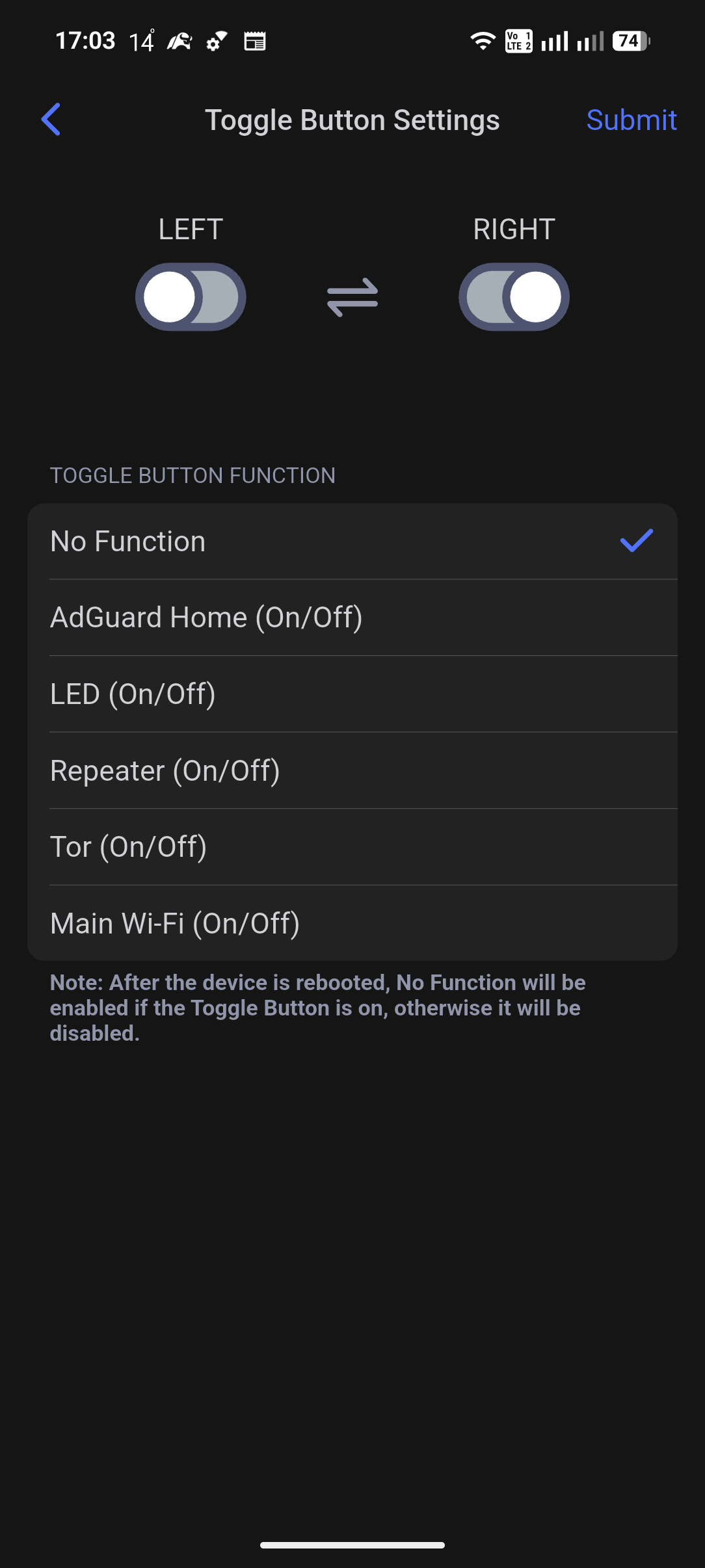
GL.iNet GL-MT3600BE Toggle Button Settings

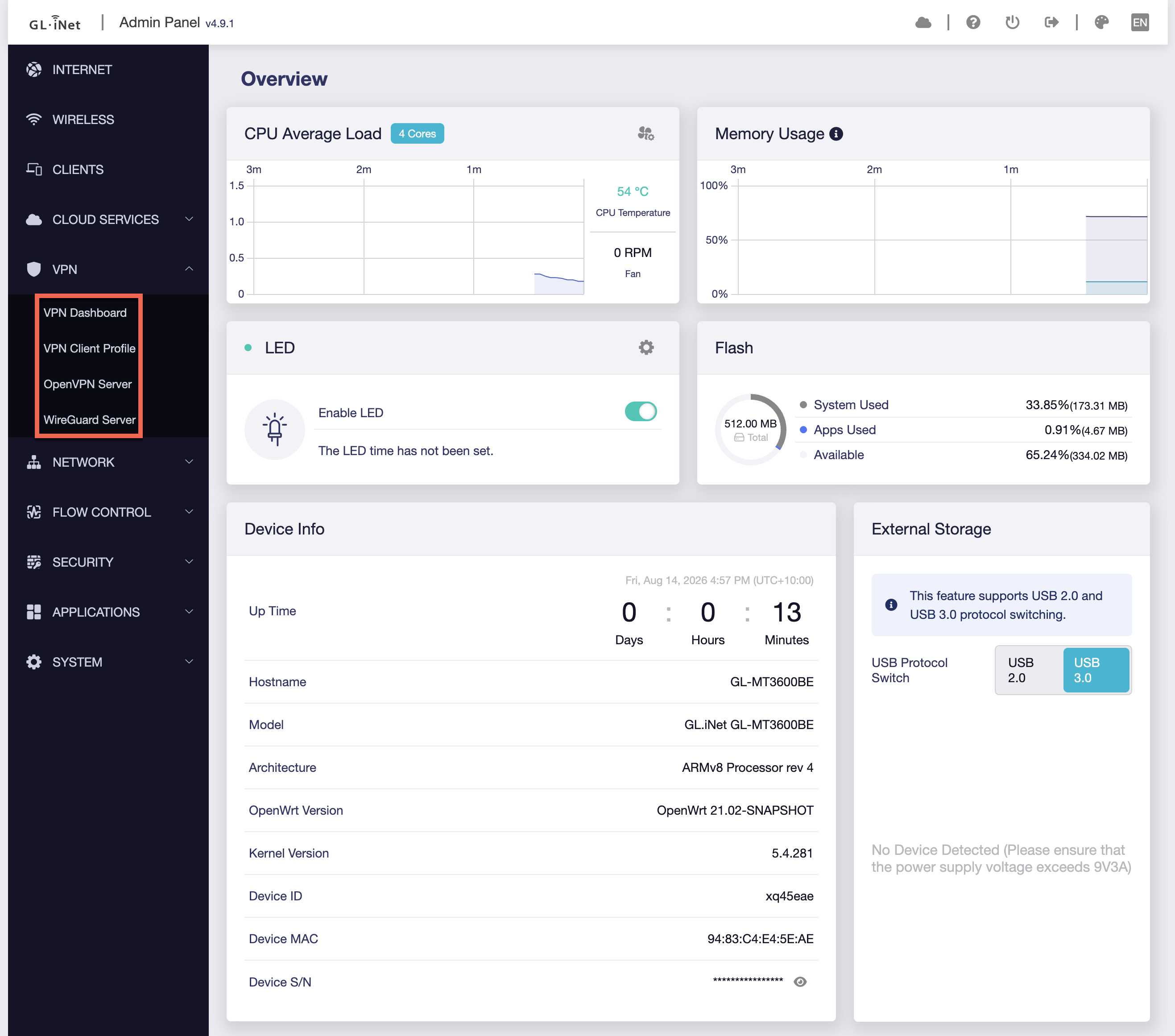
GL.iNet GL-MT3600BE VPN

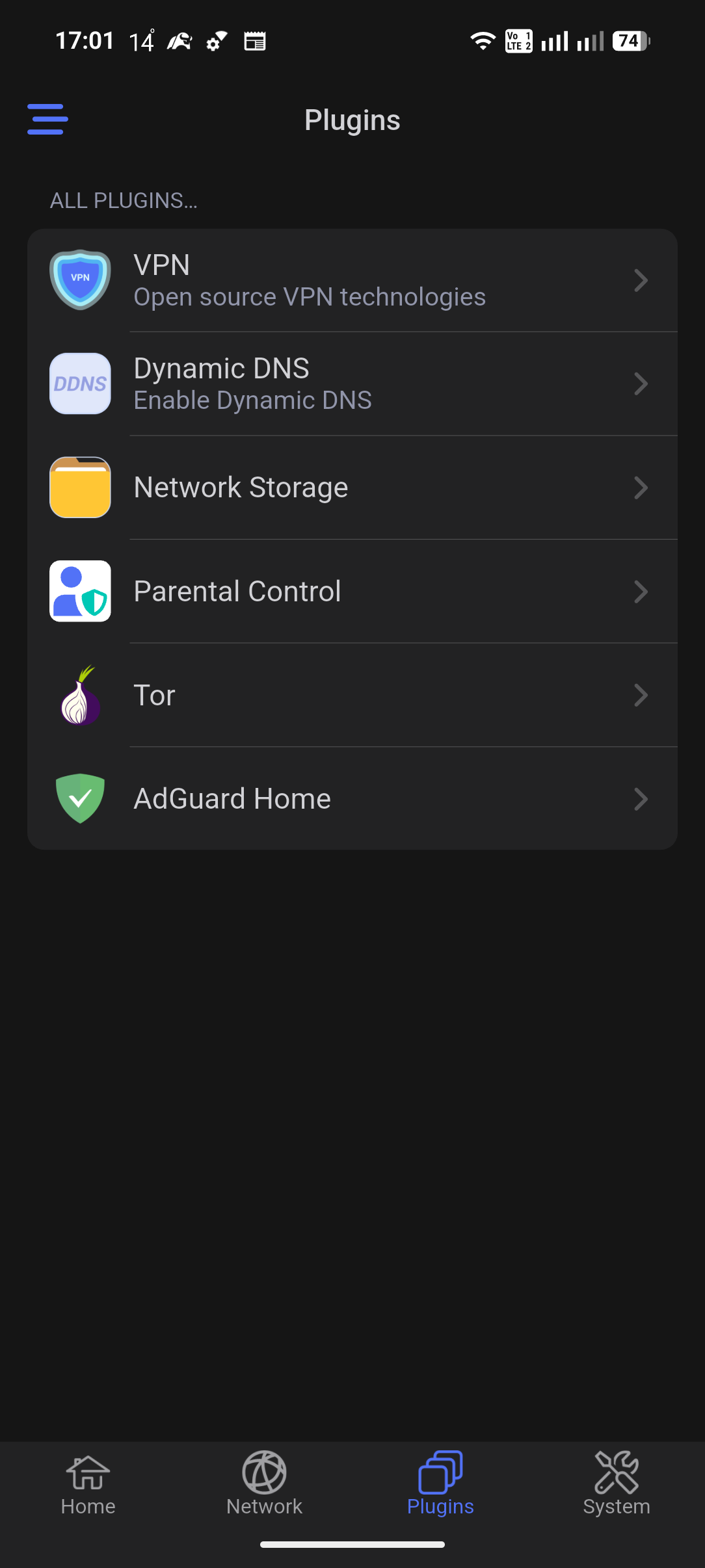
  • After the change on GL.iNet Mobile

GL.iNet GL-MT3600BE Plugins

GL.iNet GL-MT3600BE Toggle Button Settings Mobile

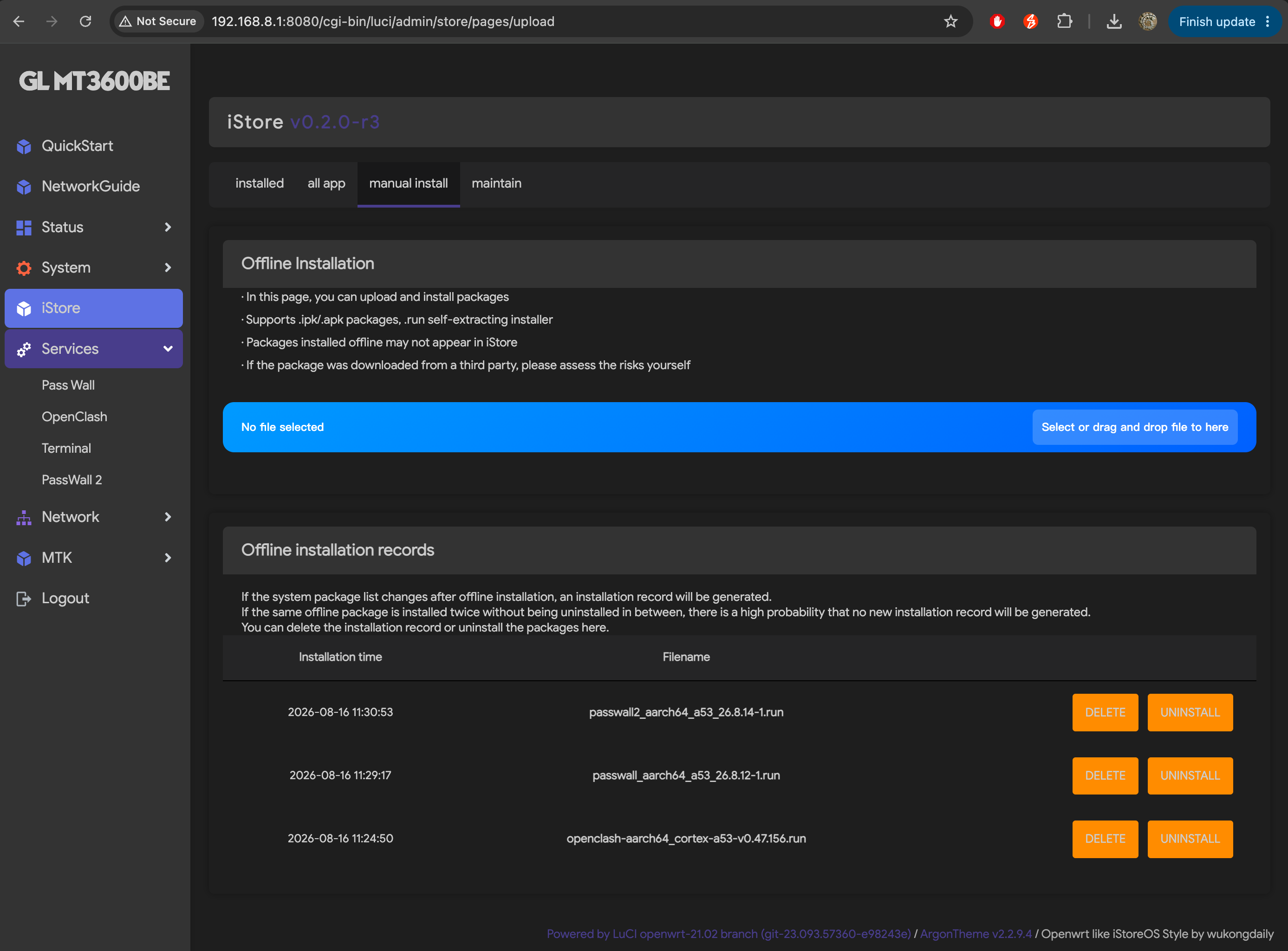
NOTE: Disable IPv6 when install iStoreOS, e.g. from GL-iNet 系列路由器一键 iStoreOS 风格化脚本 https://github.com/wukongdaily/gl-inet-onescript

1
2
3
4
5
6
7
8
9
10
11
12
13
14
15
16
17
18
19
20
21
22
23
24
25
$ sh -c "$(curl -fsSL https://cafe.cpolar.cn/wkdaily/gl/raw/branch/main/mt3600.sh)"

***********************************************************************
* 一键安装工具箱(for gl-inet MT3600BE) by @wukongdaily
**********************************************************************
*******支持的机型列表***************************************************
*******GL-iNet MT3600BE********

1. GL-iNet MT3600BE 一键iStoreOS风格化

2. 安装argon紫色主题

3. 单独安装iStore商店

4. 隐藏首页格式化按钮

5. 设置风扇工作温度

6. 安装个性化UI辅助插件(by VMatrices)

7. 恢复出厂设置/重置路由器

Q. 退出本程序

请选择一个选项:

GL.iNet GL-MT3600BE Services

References

Contents