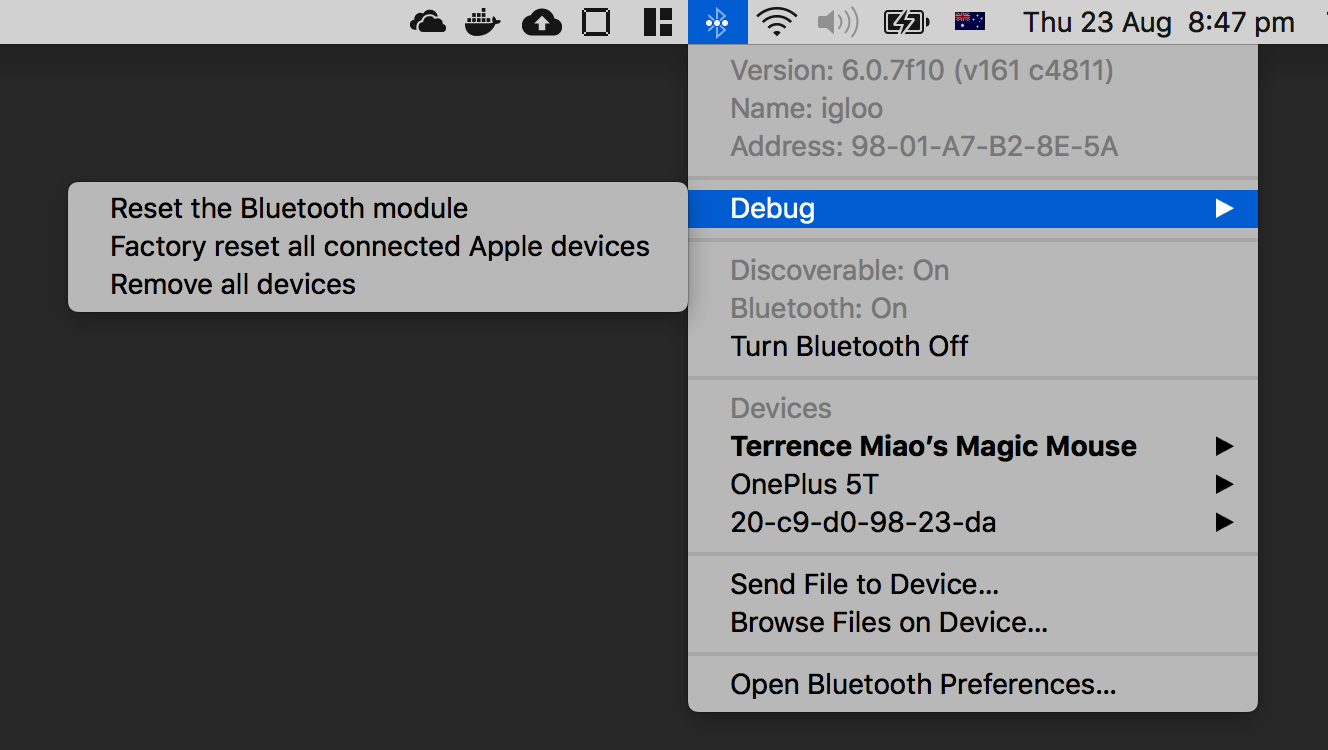
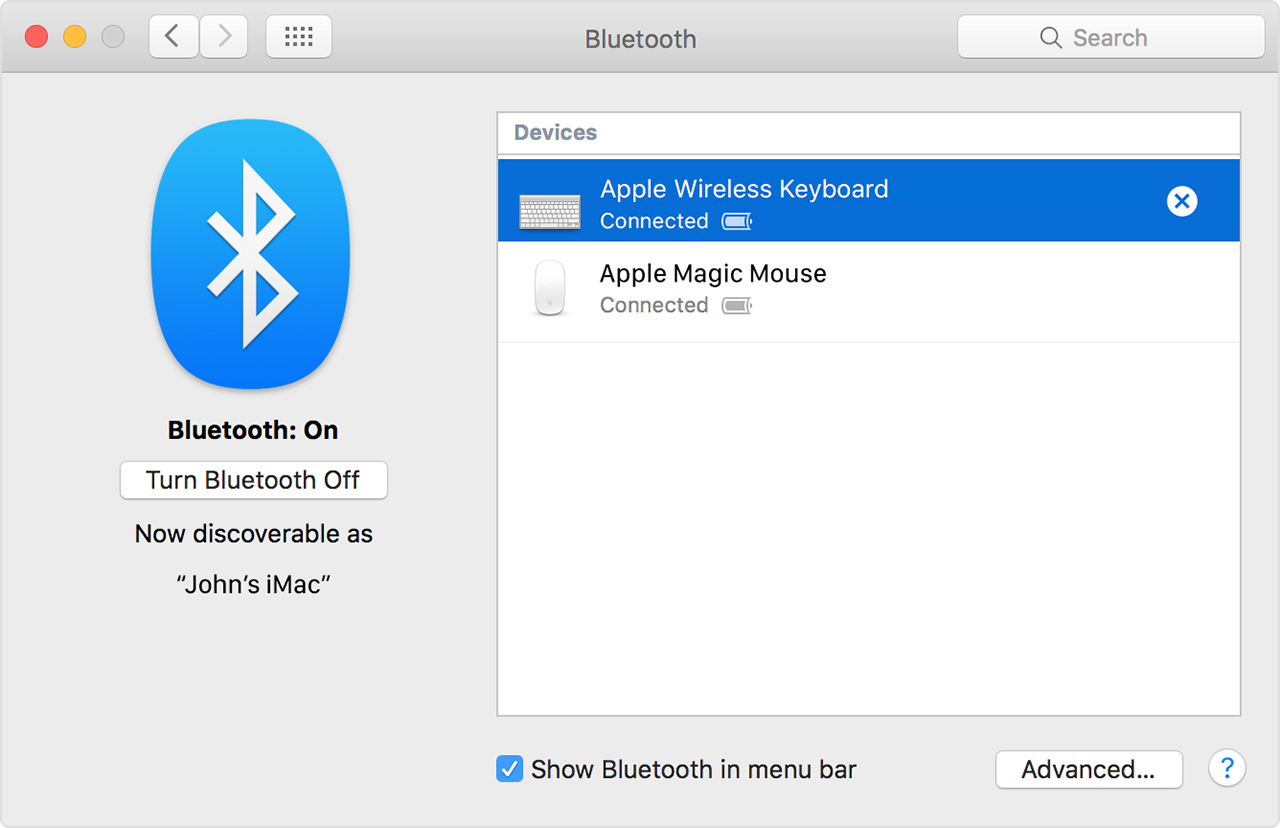
Reset the Bluetooth Module with Option + Shift + click on bluetooth icon in taskbar. Click on Debug -> Reset the Bluetooth Module
Reset PRAM / NVRAM: Shut down; power on, immediately press Command + Option + P + R until it resets itself a couple times. Official guide https://support.apple.com/en-us/HT204063
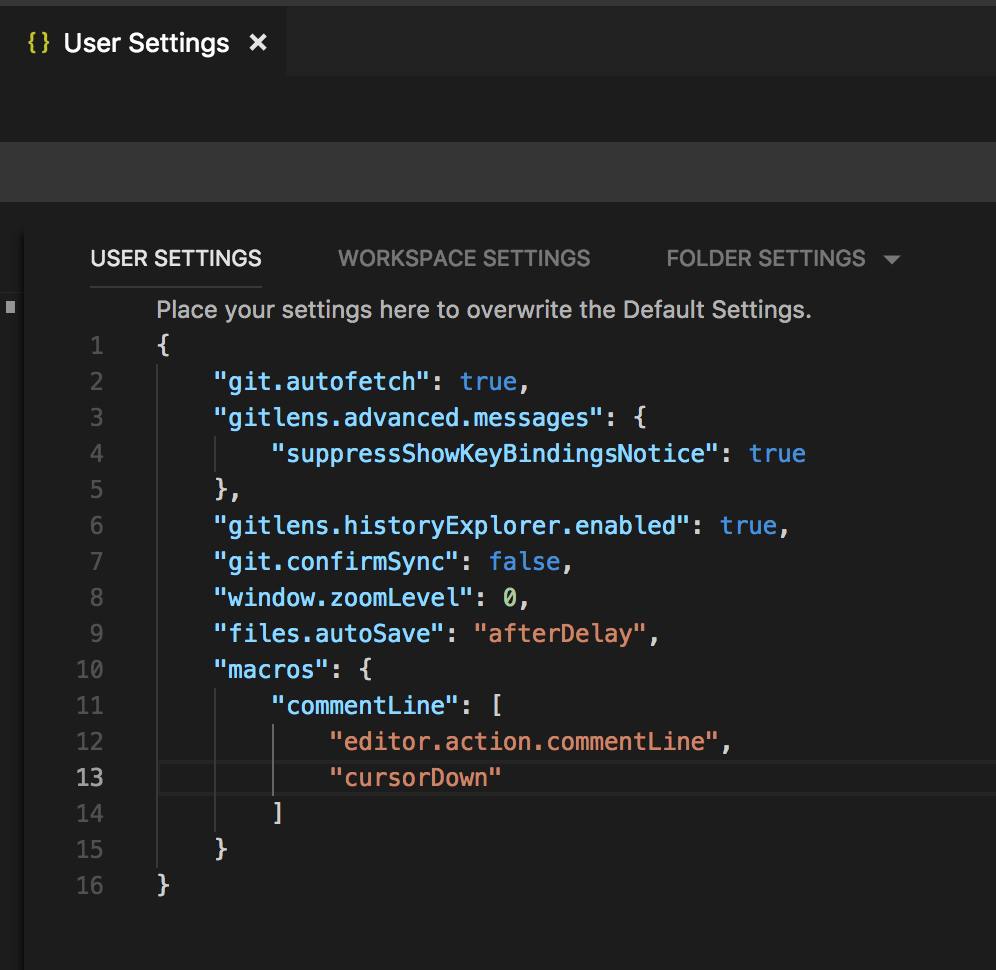
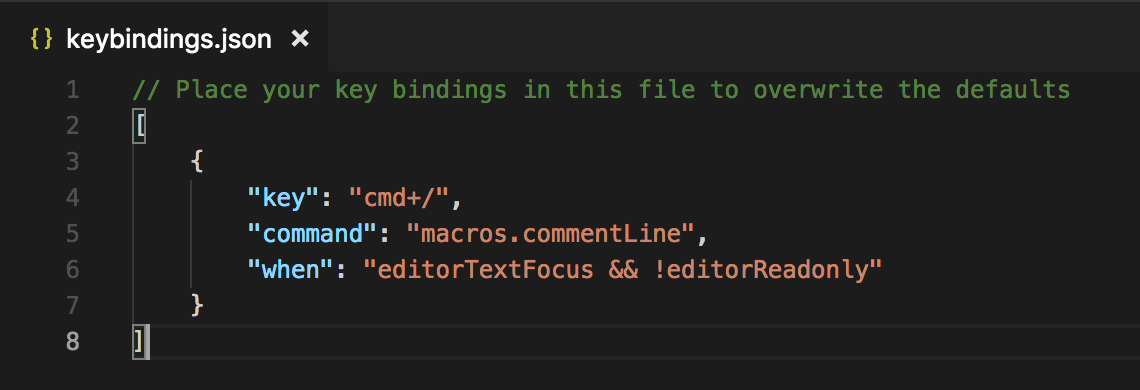
Open Code -> Preferences -> Keyboard Shortcuts. Add following configuration into keybindings.json file.
1 2 3 4 5 6 7 8
// Place your key bindings in this file to overwrite the defaults [ { "key": "cmd+/", "command": "macros.commentLine", "when": "editorTextFocus && !editorReadonly" } ]
That’s newly added Toggle Line Comment looks like after the change:
Quite annoying when Bluetooth on Mac OS X is off, you can’t turn it on manually via Systme Preferences interface. Now you can install blueutil from https://github.com/toy/blueutil to solve this issue.
-p, --power output power state as 1 or 0 -p, --power STATE set power state -d, --discoverable output discoverable state as 1 or 0 -d, --discoverable STATE set discoverable state
-h, --help this help -v, --version show version
STATE can be one of: 1, on, 0, off, toggle
Firstly, turn off Bluetooth service via command line:
Then install all this application dependent libraries:
1
igloo:cheatsheets root# bundler install
Start up Jekyll website on localhost, with user “terrence” this time:
1 2 3 4 5 6 7 8 9 10 11 12 13 14 15
terrence@igloo ~/Projects/cheatsheets (master ☡=) 17:28:56 𝜆 bundle exec jekyll serve --incremental Configuration file: /Users/terrence/Projects/cheatsheets/_config.yml Source: /Users/terrence/Projects/cheatsheets Destination: /Users/terrence/Projects/cheatsheets/_site Incremental build: enabled Generating... DEPRECATION WARNING on line 83, column 12 of /Users/terrence/Projects/cheatsheets/_sass/vendor/modularscale/_modularscale.scss: Unescaped multiline strings are deprecated and will be removed in a future version of Sass. To include a newline in a string, use "\a" or "\a " as in CSS.
donein 3.163 seconds. Auto-regeneration: enabled for'/Users/terrence/Projects/cheatsheets' Server address: http://127.0.0.1:4000 Server running... press ctrl-c to stop.
Go to URL: http://127.0.0.1:4000 start searching and using cheatsheets in localhost environment:
To generate static web content ONLY:
1 2 3 4 5 6 7 8 9 10 11 12 13
terrence@igloo ~/Projects/cheatsheets (master ☡=) 17:28:56 𝜆 bundle exec jekyll build Configuration file: /Users/terrence/Projects/cheatsheets/_config.yml Source: /Users/terrence/Projects/cheatsheets Destination: ../terrencemiao.github.io/cheatsheets Incremental build: disabled. Enable with --incremental Generating... DEPRECATION WARNING on line 83, column 12 of /Users/terrence/Projects/cheatsheets/_sass/vendor/modularscale/_modularscale.scss: Unescaped multiline strings are deprecated and will be removed in a future version of Sass. To include a newline in a string, use "\a" or "\a " as in CSS.
donein 43.269 seconds. Auto-regeneration: disabled. Use --watch to enable.
Then can upload published website content from ../terrencemiao.github.io/cheatsheets directory to https://terrencemiao.github.io.