Latest Ubuntu 26.04 LTS has dropped the support of X11 Server and xRDP and moved to the adoption of Wayland Display Server. Old approach with xRDP doesn’t work anymore. The solution / fix is the new Gnome Remote Desktop.
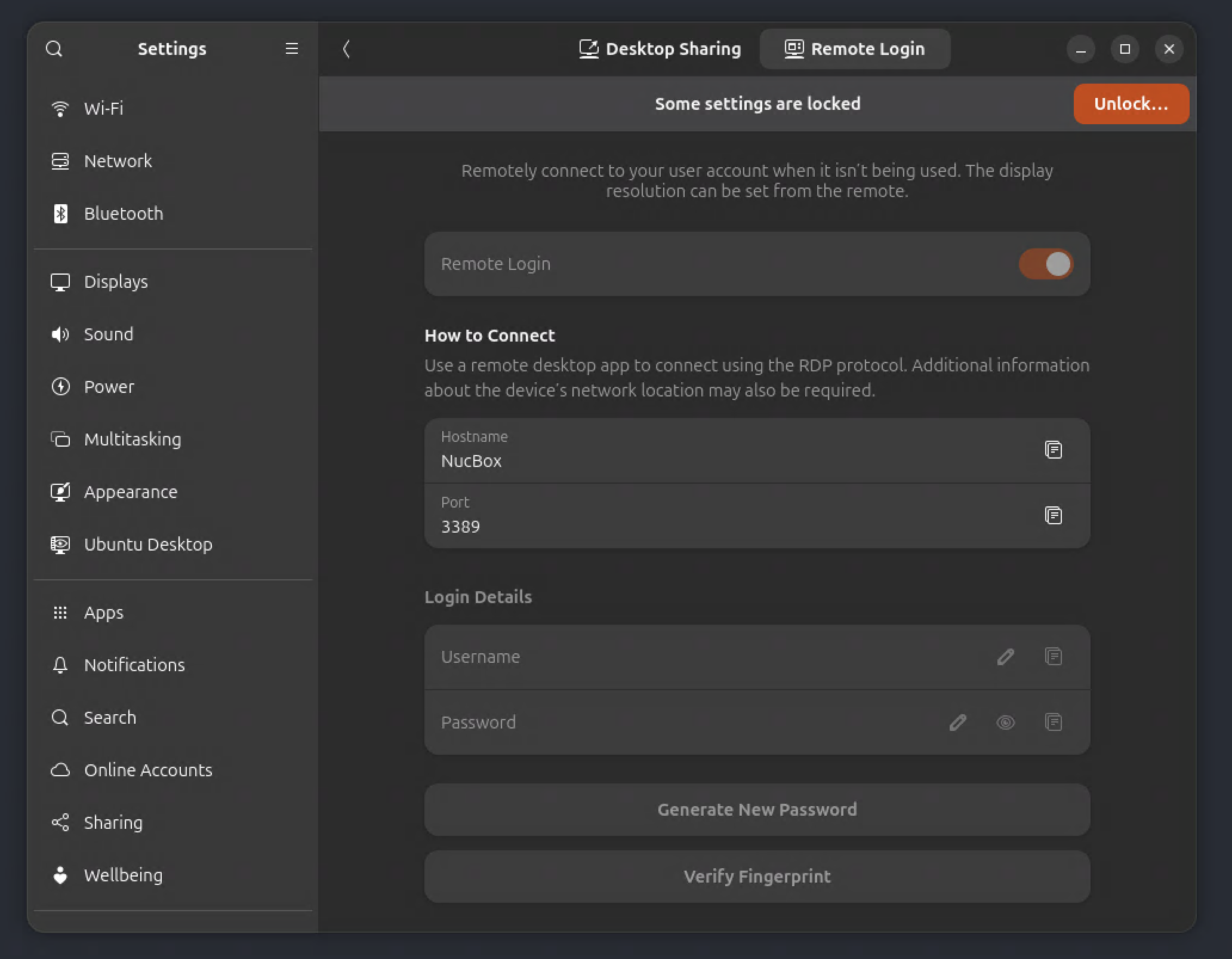
Generate Remote Desktop Server self-signed certificate:
1 | $ sudo openssl req -newkey rsa:2048 -nodes -keyout /var/lib/gnome-remote-desktop/rdp-tls.key -x509 -days 3650 -out /var/lib/gnome-remote-desktop/rdp-tls.crt -subj "/CN=$(hostname)" |
Register self-signed certificate with the system daemon:
1 | $ sudo grdctl --system rdp set-tls-key /var/lib/gnome-remote-desktop/rdp-tls.key |
After Gnome Remote Desktop restarted, in the log:
1 | $ sudo journalctl -u gnome-remote-desktop.service -f |
Show Remote Desktop Server status:
1 | $ sudo grdctl --system status --show-credentials |
When connect from Windows App (Microsoft Remote Desktop), error thrown in log:
1 | $ sudo journalctl -u gnome-remote-desktop.service -f |
However, choose a different Remote Desktop Client like Royal TSX https://royalapps.com/ts/mac/features, works fine.
NOTE: This is a well-documented, well-known incompatibility between Windows App on macOS and GNOME Remote Desktop’s “server redirection” handshake — not something specific to 26.04, and there’s a widely confirmed fix.
What’s actually happening: in “Remote Login” (system) mode, GNOME Remote Desktop doesn’t hand you straight into a session. It first accepts the connection, then sends an RDP Server Redirection PDU telling the client “reconnect, here’s the real session token” (that’s [RDP] Sending server redirection line — this part is normal and means auth succeeded). Windows App on Mac has a bug/quirk where it doesn’t follow that redirection properly by default, so it just logs off immediately — hence ERRINFO_LOGOFF_BY_USER right after.
Export the connection as an .rdp file
Edit the file to force redirection handling - Find the line
use redirection server name:i:0and change the0to a1. This is the specific setting Windows App needs to correctly follow GNOME’s server-redirection handshake instead of dropping the session.Delete old entry and import the edited .rdp file into Windows App
References
- xRDP – Easy install xRDP on Ubuntu 22.04,24.04,25.10,26.04 (Script Version 1.6)- Maintenance Release https://c-nergy.be/blog/?p=20369